Project Details
Home/Project Details
Excelite
Project description
Turning the spreadsheet everyone depends on into an application
The Challenge
A large share of real businesses run on one workbook, owned by one person who understands the formulas. Everyone else has to ask that person to change anything, the file gets emailed around in versions, and two people editing it at once is a disaster waiting to happen.
The workbook has to keep working. Whatever replaces it must accept the data people already have, and it must not demand that anybody re-learn their job on day one. Multi-user access has to arrive without anyone losing their data to it.
The Solution
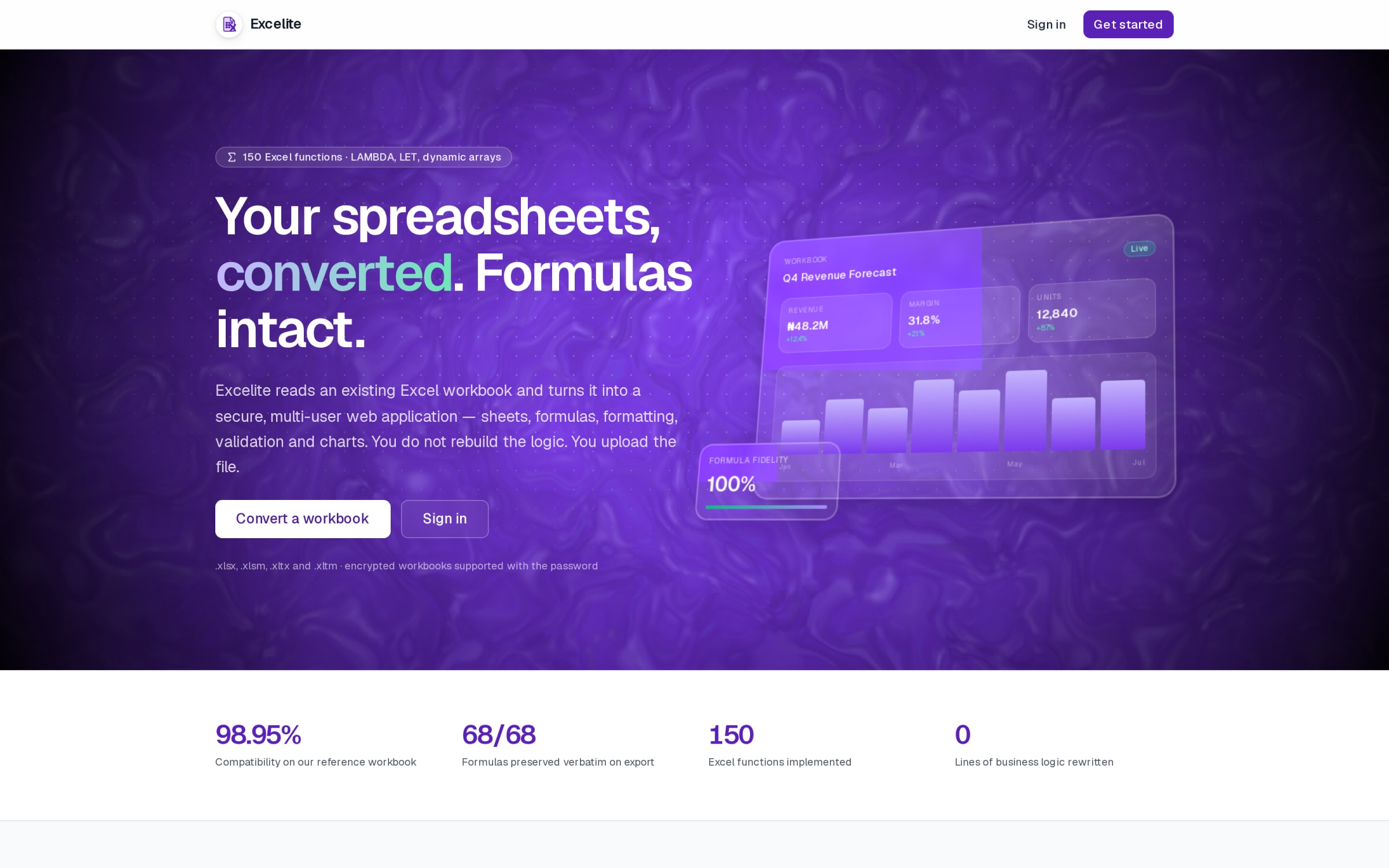
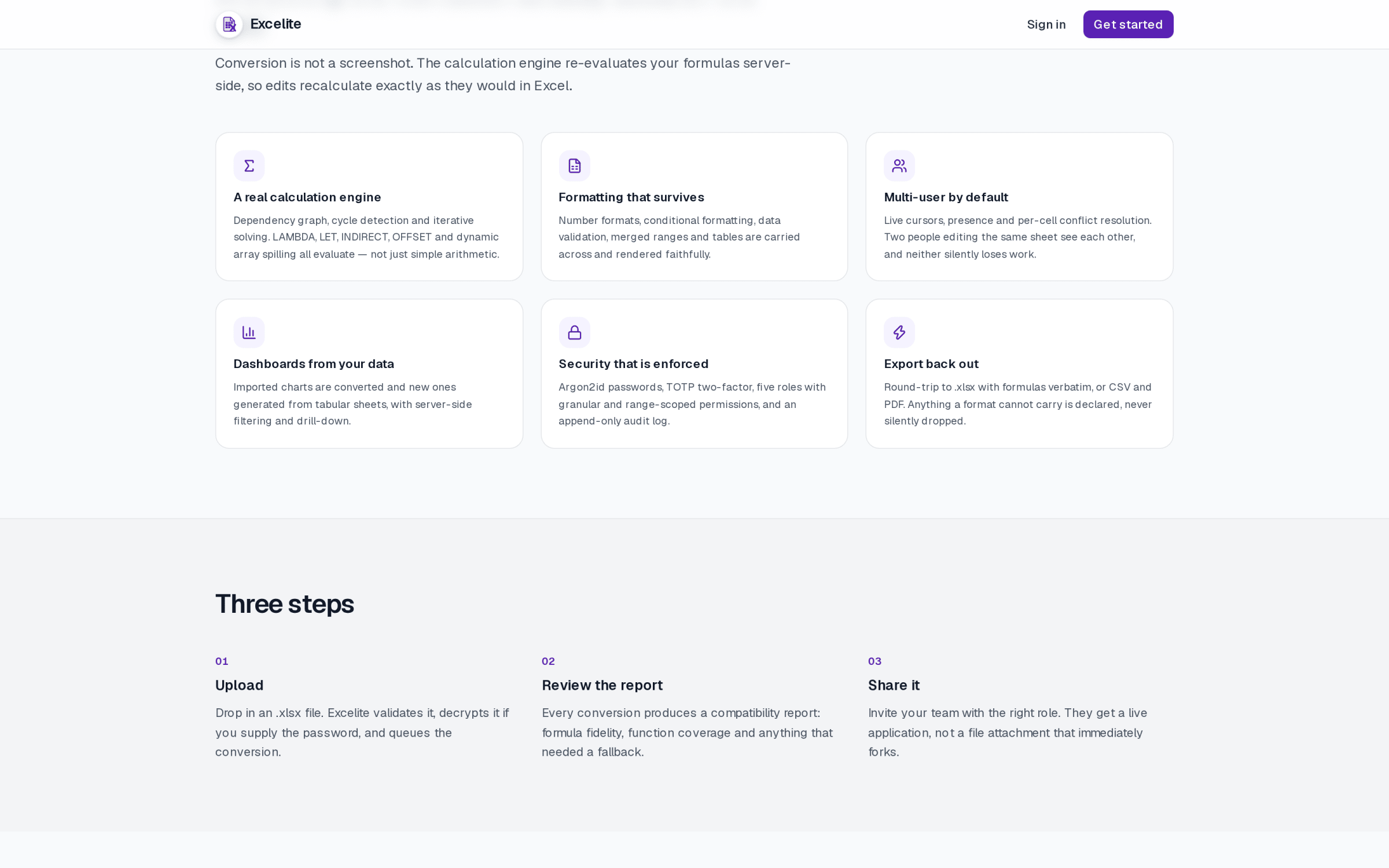
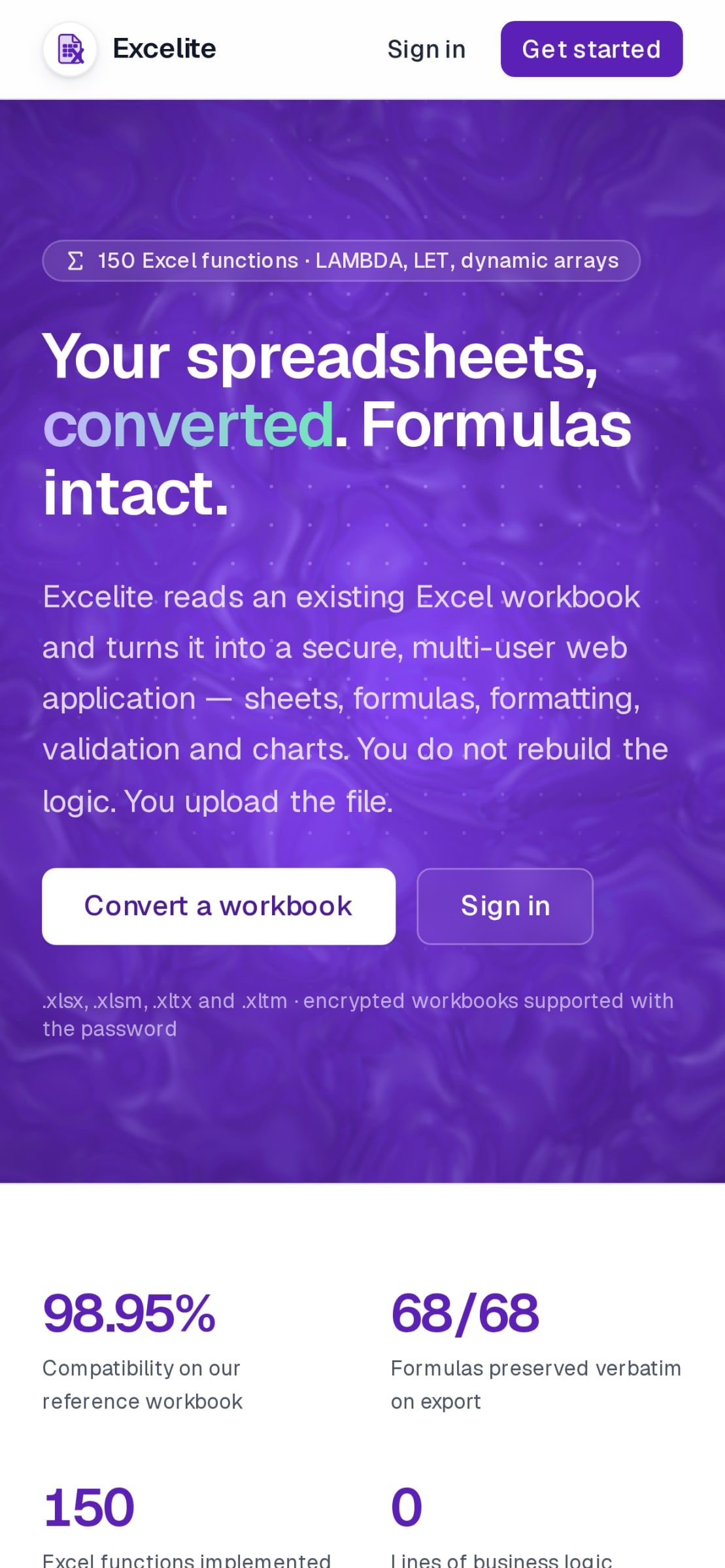
The idea is to read a workbook's structure — its sheets, columns and relationships — and generate a real multi-user application from it: the same fields, but with proper storage, access control, history and concurrent editing instead of a file and a promise. Excel is the schema-discovery tool; the application is the destination. The engine parses the workbook server-side, maps each sheet to a table and each column to a typed field, then renders the result as an application rather than a converted file — formulas are evaluated rather than flattened, so the logic people rely on survives the move.
Skills and deliverables
Features delivered
The hard part
Spreadsheets are not databases, and the hard part is the mismatch: merged cells, columns that mean different things in different rows, formulas that encode decisions nobody documented. The design problem is how far to translate faithfully and where to insist on a cleaner model — and telling the user honestly when a workbook cannot be taken as it stands.
The Impact
A working conversion engine with a live demo: a reference workbook converts at 98.95% compatibility with 68 of 68 formulas preserved verbatim on export and 150 Excel functions implemented, so the application does not quietly change anyone's numbers. Named on the site because the problem is real and it is the one I get asked about most often in plain language: "can you stop my business from depending on one spreadsheet?"